
Support for non-scannable files is now in public preview for endpoint DLP. Please check the YouTube video for more information.
• Purview Endpoint DLP supports a specific set of file extensions and types. Refer https://learn.microsoft.com/en-us/purview/endpoint-dlp-learn-about#monitored-files
• For file extensions not supported, customers need to use the ‘File extension is’ or ‘File type is’ rule condition.
• This method can be difficult as it involves manually listing all required file extensions.
• Content scanning triggered by file extension is as a condition can consume significant machine resources, such as CPU and memory, potentially leading to performance issues for some file types.”

Support for non-scannable files

Use this scenario when you want to apply Audit, Block, or Block with override controls on user activities for files that are not on the Monitored files list without having to enumerate all the file extensions via the File extension is condition. Use this configuration to create a blanket policy to place controls on files like .mp3, .wav, .dat.
Policy Creation:
1.Admins should only use the condition – Document could not be scanned.

2.Admins should use the action – Apply restrictions to unsupported file extensions.

Few things to consider
• You cannot use “this “Document could not be scanned” together with other conditions.
• If you add any unsupported action e.g.., Paste to supported browser in the eDLP policy rule then the action will be ignored.
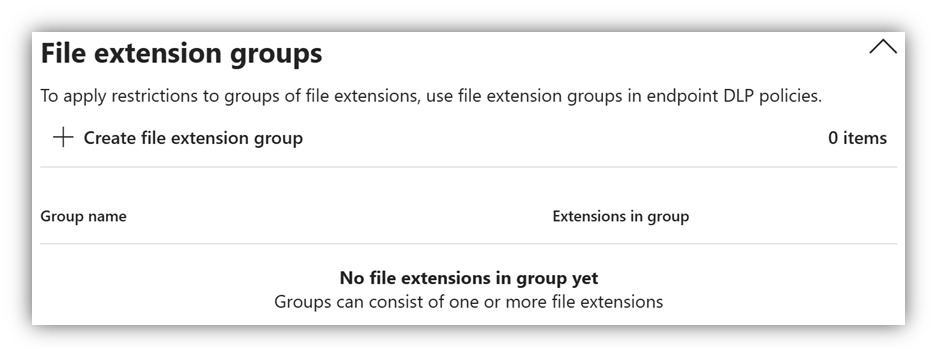
• If you want to only block specific file non-scannable file types and not all the files then you can create a file extension group in DLP settings.
• When you use Document could not be scanned condition then the sensitive info types detected will be none on alerts or events as it doesn’t scan the file for the sensitive information rather it provides the blancket cover for files that are not scanned. For File extension is condition you should see the sensitive information on the event page.

• Because File could not be scanned condition can potentially include many unsupported file extensions, you can refine detection by adding unsupported extensions to exclude

That’s all! please feel free to add comments in case if you have questions.
 Bite sized Microsoft 365
Leave a comment